Guides / Done for you
Connect your business number to an AI receptionist
By Next Gen Calls · Published
Quick summary
We build, connect, launch and tune your AI receptionist around an agreed phone route. If you want callers to keep using an existing business number, first confirm the supported connection with your phone provider, when the agent should answer and how a caller reaches staff without being sent around in a loop.
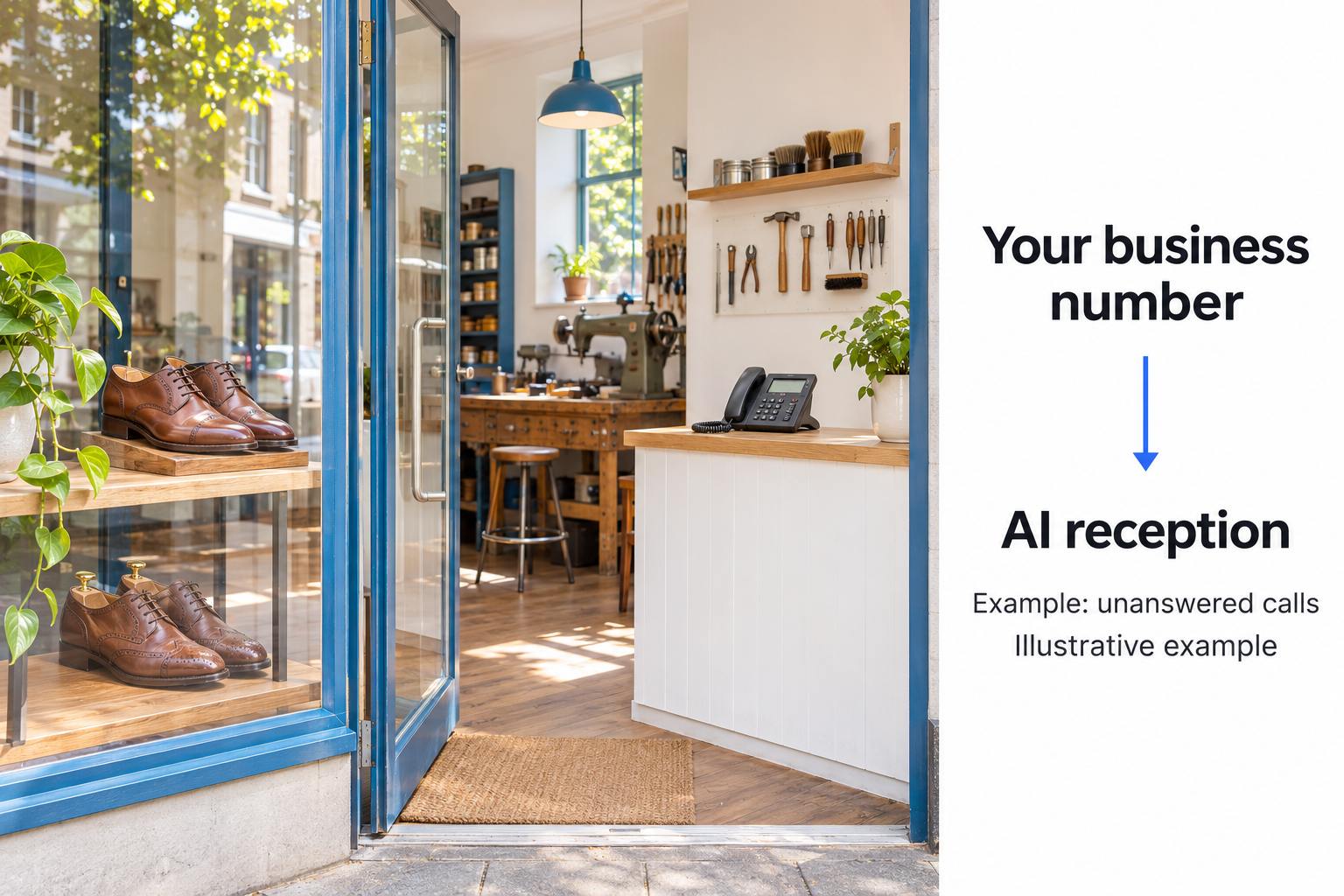
- 01 →
Confirm the phone entry
Identify the number customers dial and the provider that controls its call route.
- 02 →
Agree when AI answers
Check the supported handover from the existing line to the assigned receptionist.
- 03
Test the way back to staff
Verify the actual staff destination, unanswered path and recorded result.
Illustrative workflow. We confirm the connected actions and permissions for your setup before launch.
Start with the number your customers already know
Your website, signs and existing customers may all use the same business number. Before changing anything, identify who provides that line and who can approve its call settings. A mobile number, a hosted office phone and an older phone system can need different connection work.
Tell us what you want the caller to experience. Should staff keep answering ordinary calls, with help when nobody is available? Should the receptionist answer a defined group of calls? We confirm the supported entry and answering arrangement for your build.
Next Gen Calls supports Twilio and SIP phone connectivity. That does not mean every setting on an existing carrier account is controlled by the agent. The provider's route and the assigned receptionist both need checking.
Write down the handover before choosing settings
Bring a short phone-route brief to the build:
- Public number: The number the customer actually calls and the provider responsible for it.
- Answering condition: When staff should answer and when the call should reach the receptionist. Identify which phone service applies that decision.
- Reception destination: The supported destination connected to the correct business and agent. Confirm it before changing the public line.
- Staff destination: Where an agreed human handoff should go, including its own answering or forwarding rules.
- Unanswered result: What the caller should hear if staff cannot answer, and who receives any open request.
- Change owner: Who approves the phone-provider change, checks the result and can restore the previous route.
Use a sentence your team can read back: “Customers call our usual number. Staff get the first chance to answer. If the agreed unanswered-call condition applies, the call reaches our receptionist.” Treat this as the intended outcome until the actual line has been tested.
AT&T's busy and unanswered-call guidance illustrates why the provider matters: those are separate features with availability and other line settings to check. Use the instructions for your actual service; do not copy a dialing code from another provider's example.
Separate reaching the agent from reaching a person
Forwarding a call into reception and transferring a caller out to staff are two different parts of the journey. Test both.
Imagine the public shop number forwards to the receptionist. If a staff handoff then dials that same public number, its forwarding rule may return the caller to reception. The voice can sound helpful while the route never reaches the person.
Agree a staff destination that does not immediately send the call back along the same route. Check the actual number or supported phone-system destination with the person who manages the line. A label such as “front desk” is not enough to establish what rings.
Smart Receptionist Agent™ supports warm transfers with a private briefing, plus agreed backup and voicemail fallback. The human-handoff guide covers that conversation and backup plan. A fallback inside reception cannot fix a call that the phone provider never delivers to the agent.
Twilio's incoming-call documentation shows the separate idea of receiving a call and connecting it to another destination. We handle the agreed build; you do not need to write phone-routing code to prepare this brief.
Follow a shoe-shop call through the whole route
Here is a fictional example for an agreed missed-call setup. The shop wants its counter staff to answer first. If nobody answers under the supported provider rule, the assigned receptionist takes the call.
Receptionist: Thanks for calling the shoe-repair shop. How can I help?
Caller: I'm checking whether my boots are ready.
Receptionist: What name is the repair under?
The receptionist uses the details the caller gives and follows the approved handling for an existing repair. It should not say the boots are ready unless that fact has been established through the agreed process.
If the next step is a person, test the staff destination during the same call. The receiving team should get the agreed private briefing and be able to speak with the caller. If nobody answers, check the actual backup or message outcome. The caller should hear the next step that really happened.
Your test note should distinguish “the AI answered,” “the counter team connected” and “a request remains for staff.” Those outcomes are different even if all three began with the same public number.
Test the conditions your team will encounter
Call the public number from another phone and rehearse:
- Staff answer normally. Confirm the intended person can take the call without an unexpected second handover.
- Staff do not answer. Check whether the call reaches reception, reaches an existing voicemail or ends elsewhere. Agree the timing with the provider and test the caller's actual wait.
- The call arrives outside the agreed hours. Check the schedule at the phone entry and the staff routes separately. Use the after-hours guide for what the agent should do once it receives the call.
- Reception tries a human handoff. Test staff answering and staff being unavailable. Listen for repeated greetings, repeated ringing or a return to the same agent instead of the agreed destination.
Include a holiday or changed-hours case where it applies. Keep the entry route and the receptionist's staff availability consistent with the intended result, without assuming one setting updates every phone system involved.
Use the launch-test worksheet to record what you expected, what the caller experienced and who owns a correction. Fix a wrong destination or unexplained loop before approving that route.
Check caller details and messaging separately
Review the callback number received through the route and what appears on the staff side of a transfer. Ask the provider what caller information it supplies. Do not treat a displayed number as proof of the caller's identity.
If customers also text the familiar number, agree where those messages arrive and which number your team uses to reply. A working voice-forwarding test does not verify messaging setup or permission to send follow-ups.
Finally, review the AI call summary and open request with the person responsible for the next action. An answered call should leave your team with the correct outcome and a usable next step, not a mystery about where the customer went.
Common questions
Can customers keep calling our existing business number?
That depends on your current phone service and the supported connection. We review the number, provider and intended call route before agreeing the build. Forwarding to an assigned reception number may be an option, but we do not promise that every carrier, plan or office phone system supports the same setup.
Can our team answer first and use AI for missed calls?
Ask your phone provider whether the line supports the required busy or unanswered-call forwarding, and agree how it connects to the receptionist. Test staff answering, nobody answering and voicemail. The agent can only help once the phone route actually delivers the call to it.
Do we have to move the number to another provider?
A number move and call forwarding are different changes. Confirm whether your existing provider can supply the agreed route before deciding on a number move. Any transfer of the number needs its own provider requirements, timing and verification; do not assume it is required or automatically included.
Why can a transferred caller hear the receptionist again?
One possible cause is a route that sends the staff transfer destination straight back to the AI entry. Check the actual destination and the rules on that line. Agree a staff path that reaches the intended person, then test the connected and unanswered outcomes. Do not assume the public number is also a suitable transfer destination.
Will texts to the existing number follow the same route?
Check messaging separately. A successful voice call does not establish where texts arrive, which number sends replies or which messaging actions are enabled. We agree any supported SMS workflow and its contact rules as part of the build.
What should we verify before changing the live route?
Confirm the entry number, assigned receptionist, answering conditions, staff destination, voicemail behavior and change owner. Call the public number from another phone and test the agreed paths. Keep a record of the previous route and agree who can restore it if the new setup does not produce the expected result.