Guides / Done for you
AI call summaries that help your team follow up
By Next Gen Calls · Published
Quick summary
We build, connect, launch and tune your AI agents, including the agreed post-call summaries and email or SMS alerts. A useful AI call summary tells your team what the caller needed, what actually happened and what remains open. Staff can then choose the right next action and owner, without starting the customer’s story again.
- 01 →
Read the caller’s need
Keep the request and important details together.
- 02 →
Check the actual outcome
Separate a request from a completed action.
- 03
Give follow-up an owner
Agree who acts and record what happens next.
Illustrative workflow. We confirm the connected actions and permissions for your setup before launch.
Give the person calling back a useful starting point
Your receptionist has taken a call while the office is busy. Later, a teammate sees “customer interested—please follow up.” They still do not know what the customer wanted, what was promised or whether someone already helped.
An AI call summary is a short account of the conversation. Its job is to help the next person pick up where the call left off. It should preserve the details that change what staff do next, rather than repeat every sentence.
Next Gen Calls supports AI post-call analysis with summaries and extracted fields, plus email and SMS alerts. We agree the report and notification setup around your business. The daily follow-up process still needs a clear owner on your team.
Look for four things before acting
- The request: What did the caller ask your business to do? Keep their stated problem separate from an assumption about what they might buy.
- The details that matter: Include the information staff need to handle that request, such as the service, location or callback preference when supplied.
- The actual outcome: Was an appointment booked, a question answered, a transfer connected or a request captured for review?
- The open next step: What still needs a person, and what did the caller hear about it?
Unknown details should stay unknown. A caller’s question about a price is not an accepted quote. A preferred visit time is not a confirmed appointment. An incoming phone number should not be treated as a separately confirmed callback number unless that was established.
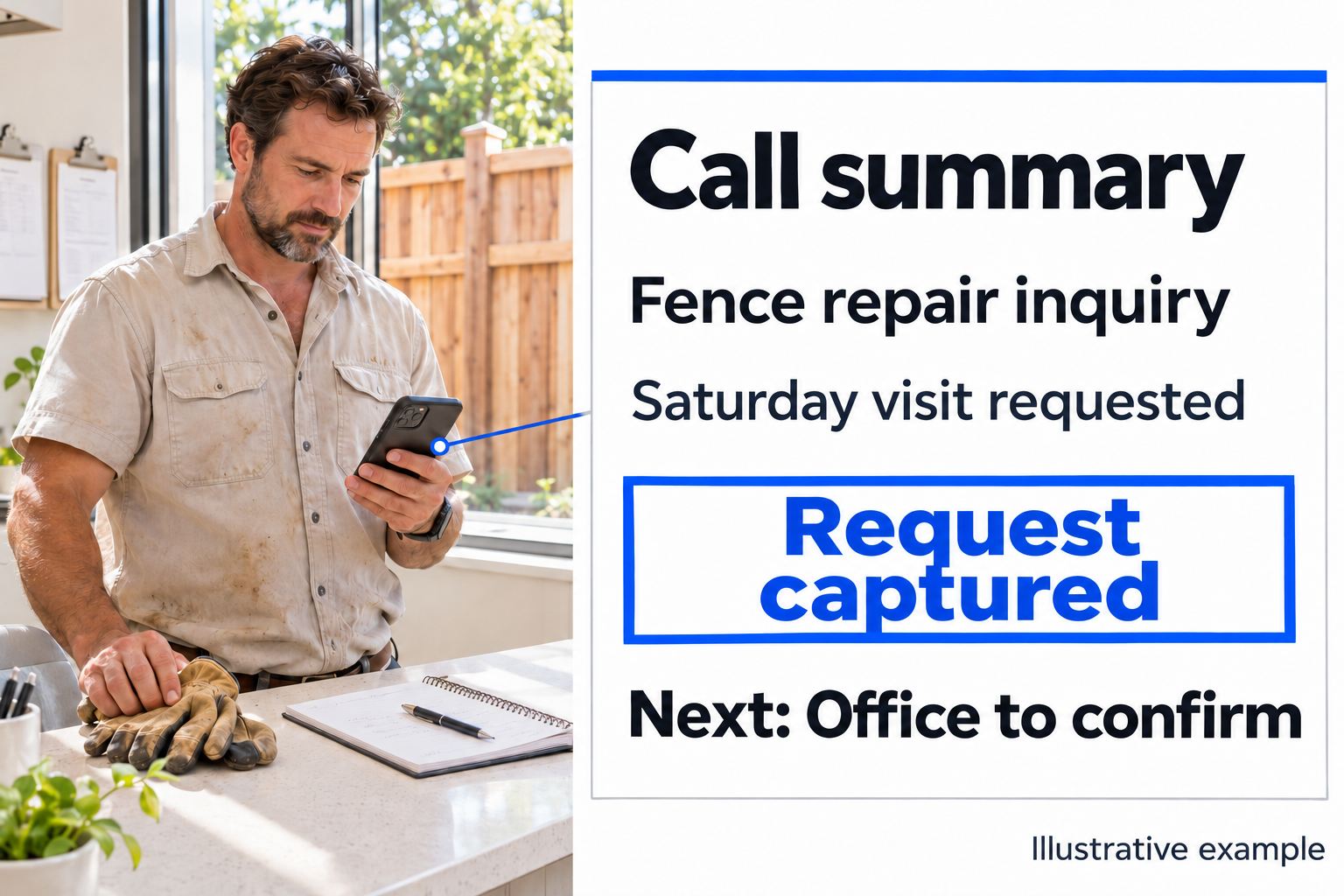
A practical example: a Saturday visit request
This is a fictional training example, not a customer call or a product screenshot.
Assistant: How can I help?
Caller: A fence panel has come loose. Do you do Saturday visits?
Assistant: The office will need to confirm Saturday availability. What area is the property in?
The conversation can continue one question at a time, using what the caller has already said. Suppose the agent captures the request and the caller asks for a weekday callback after 3 p.m., but no visit is booked.
A useful handoff note would read:
Request: Repair inquiry for a loose fence panel; caller asked about a Saturday visit.
Outcome: Details taken for office review. No appointment or price confirmed.
Callback preference: Weekdays after 3 p.m., as requested by the caller.
Still open: Office to check service coverage and Saturday availability before offering a visit.
The office can now assign someone to review the request. It should not turn the note into “Saturday repair booked” or promise a callback deadline that nobody agreed to meet. Add the actual property and contact details only when collected and appropriate for that report’s recipients.
Decide who receives the report and who owns the work
Sending every summary to a large group can leave everyone assuming someone else has handled it. Choose a person or team responsible for reviewing each kind of request, plus a backup when that person is away.
Agree a simple routine:
- The designated reviewer checks new reports at the times your business can support.
- They decide whether anything remains to be done.
- They assign the next action to a named teammate in your normal work list.
- That teammate records the actual outcome after acting.
Agree these staff responsibilities during setup. Receiving a summary leaves assignment and completion to your chosen workflow. A callback preference tells staff when the caller is likely available; it does not establish your office’s response promise.
Next Gen Calls includes the built-in Smart Command™ CRM, and we confirm any connected workflow separately. A summary, a contact record and a completed follow-up are different things, even when your team keeps them in one place.
Sort the next action by what happened
The call is resolved. If the caller received the answer they needed and nothing remains open, staff may only need to review the note. Avoid an unnecessary sales callback just because a report exists.
Staff need to make a decision. An exception, an uncertain service area or a request for a time that was not booked needs review. Keep the unresolved point visible so the person calling back can address it directly.
A transfer did not connect. Check the agreed backup path, any missed-transfer notification and what the caller was told. Use the call-transfer guide for the live handoff plan; this article covers the work left afterward.
The note and another record disagree. An appointment marked confirmed in a summary but absent from the booking system needs checking. Do not resolve the disagreement by choosing the more convenient version.
Check important details before a promise leaves the office
Compare an unclear summary with the available call information or confirm the detail with the caller. Pay particular attention to corrected contact details, dates, requested versus confirmed times and statements that sound like a business commitment.
This review principle also appears in Microsoft’s guidance on validating AI output: a clear summary can still omit something that matters to a decision.
When a problem repeats, bring the specific example back to us. The issue may be a missing question in the conversation, an unclear reporting instruction or a detail that the connection did not establish. We use those examples to tune the agreed build. A longer summary alone will not fix the wrong outcome.
Use a short closeout record
Keep this beside the report in the work list your team already uses:
- Request and call reference: Which inquiry is this?
- Verified outcome: What actually happened on the call?
- Open action: What remains to be done?
- Owner and review time: Who will handle it, and when will the office check progress?
- Completion note: What did staff do, and is anything still waiting?
Keep reports with the teammates who need the information. If someone calls back before the task is complete, the record should help staff explain the current situation without claiming work has already happened.
For evening inquiries, the after-hours guide covers what the receptionist should collect and say. Before launch, use the receptionist test checklist to follow a sample request from the call through the report to the person handling it.
Common questions
What should an AI call summary include?
The caller’s request, useful contact details, the actual call outcome and any unresolved question or next step. Only include a price, appointment or deadline as confirmed when there is evidence it was agreed or completed.
Is a call summary the same as a transcript?
No. A transcript follows what was said through the conversation; a summary selects the details that help staff understand the request and outcome. Important or unclear details may still need checking against the available call record or with the caller.
Does receiving a summary mean someone has followed up?
No. Receiving the report, assigning the next action and completing that action are separate steps. Agree who reviews reports and how staff record a completed callback or another outcome.
Can Next Gen Calls send post-call email and SMS alerts?
Yes. AI post-call analysis includes summaries and extracted fields, with email and SMS alert options. We confirm the recipients, useful details and notification setup for your build. Do not assume every alert goes to every staff member or arrives instantly.
What if the summary says an appointment was booked but staff cannot find it?
Check the agreed booking system and available call information before treating it as confirmed. Keep an appointment request distinct from a successful booking. Have staff resolve the uncertainty and use the case to improve the conversation or report.
Can a summary help after an unsuccessful transfer?
Yes. The useful note explains what the caller wanted, that the transfer did not reach someone and what the caller was told next. Next Gen Calls supports missed-transfer notifications; we agree the backup route and follow-up responsibility during setup.