What to test before launching an AI receptionist
By Next Gen Calls ·
Short answer
Next Gen Calls builds, connects, launches and tunes your AI receptionist for you. Before launch, test the questions customers ask, the actions you have approved and what happens when an answer or connection is unavailable. Check the actual calendar entry or call summary as well as what you hear, so your team can approve a useful next step for each call.
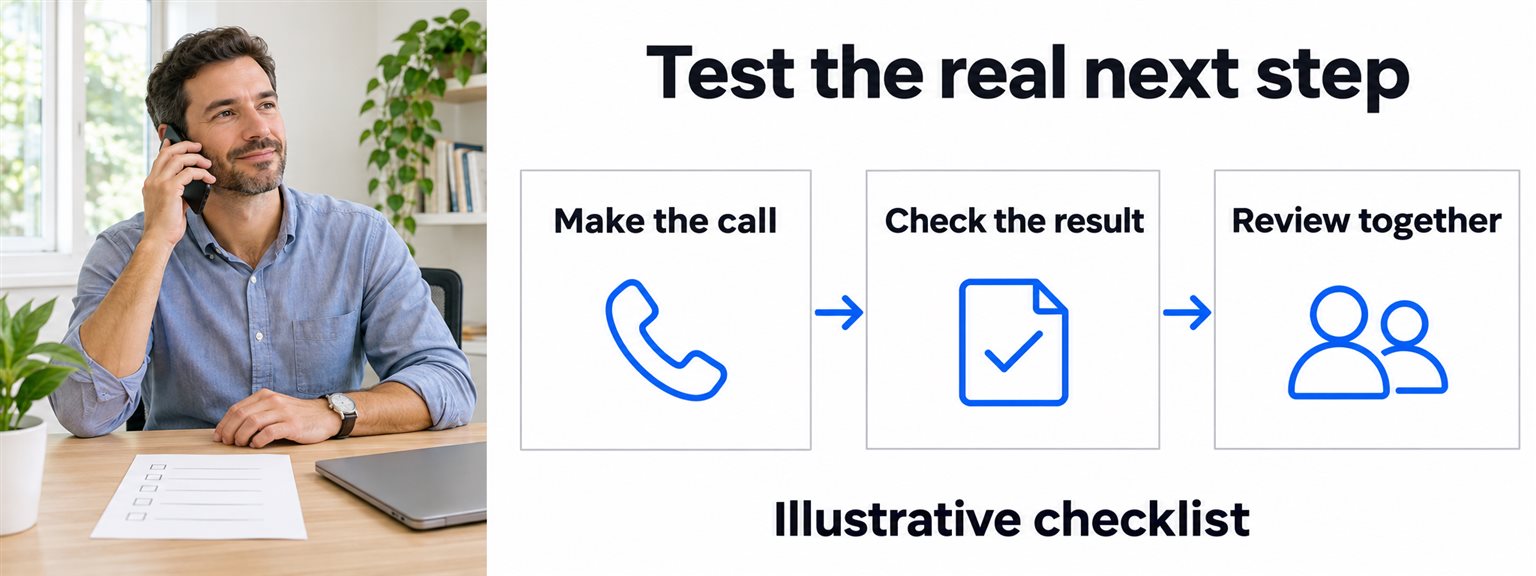
Agree what a good call should accomplish
Pick the first job your receptionist will handle. “Answer service questions and capture consultation requests” is easier to judge than “handle our phones.” List the facts it can use, the actions it can complete and the decisions your staff will keep.
Bring us current hours, holiday changes, services, booking rules and approved contacts. Include information that regularly causes confusion, such as two locations with different hours. An outdated answer can sound perfectly natural and still send a customer to a closed office.
Use invented customer details and a test arrangement agreed with us. Tell participating staff when you will test transfers. The aim is to check the workflow without creating real appointments or surprising customers.
Check an ordinary answer and a question it cannot answer
Call with a simple question your business has approved: “Are you open on Saturday?” Compare the answer with the current information, including the location and any holiday exception.
Then ask something you have deliberately left outside that information. For example, ask whether the owner will approve a special discount. Check that the agent follows the agreed staff route or captures the request. A plausible guess should be recorded as a problem to fix.
Try asking two related questions in one sentence, or correcting yourself halfway through. You are checking whether the customer gets an accurate, usable answer without having to speak like a script.
Correct a contact detail during the call
Give a test callback number, then change it before the call ends. Spell an unfamiliar test name. Ask the agent to use the revised detail for the request.
Afterwards, inspect the AI summary and the fields included in your build. Can the person returning the call identify the final number and understand what the caller wanted? A summary that preserves the first number as though it were current needs correction, even if the spoken conversation sounded fine.
Keep the required details practical. A simple inquiry should not need a long intake interview. Agree with us what staff actually need for that particular next step.
Verify a booking where it is recorded
If booking is in scope, try the approved service and a time the connected calendar can offer. Check the resulting calendar entry: service, date, time, time zone and the test contact details. Compare those with what the caller heard.
Next, ask for an unavailable time. Arrange a test with us for what happens when the booking connection is unavailable, too. The agent should follow the agreed alternative, such as capturing a request for staff, without describing an unfinished action as confirmed.
Keep these outcomes separate:
- Appointment confirmed: the approved booking completed and the calendar reflects it.
- Appointment requested: the caller's preference was captured for staff to review.
- Action unavailable: the connected step could not finish and the agreed next step applies.
An existing appointment-change request needs the same care. Do not assume automatic rescheduling or cancellation is included because new appointment booking works.
Test customer lookups with a missing match
For an approved live lookup in HubSpot, GoHighLevel or Clio, use a test record with a known expected answer. Confirm which information the agent may use and what your team expects it to do with it.
Then test a missing or unclear match. Agree how uncertainty should be handled before the call; finding a similarly named record is not enough to assume it belongs to this caller. Check that the agent does not guess customer details or promise an action outside the approved scope.
Our HubSpot integration example explains how connected customer context fits into a call. Your test should cover the records and actions agreed for your build, rather than treating an integration name as permission to do everything.
Check the people, hours and languages in your launch
Test the correct route during business hours, after closing and for a holiday in your agreed setup. Have a staff member receive a warm transfer and review the private whisper briefing. Also test the backup path when the first recipient cannot answer.
Use the separate human-handoff plan and test calls for that routing detail. A transfer attempt, a connected conversation and a message left for staff are different outcomes; make sure the caller's next step is clear.
Calls are available in English and Spanish, with more languages available. Test the languages selected for your launch, including important service names, dates and callback details. If website chat is also included, test its approved job separately; phone actions should not be assumed available in chat.
Keep a short record of what you expected and observed
For each test, copy these headings into a shared note:
- Caller request: the question or action you tried.
- Expected result: the approved answer, completed action or staff route.
- Observed result: what the caller heard and what the calendar, customer record or AI summary shows.
- Decision: ready, needs a fix, or not included in this launch.
- Follow-up: who owns the correction, what will be retested and the actual retest result.
Google's test-case documentation illustrates the general idea of saving expected behavior and checking it again after changes. You do not need to use Google's tools for this worksheet; we handle your build and tuning.
Here is a fictional example, not a client result:
- Request: “Can I come to the downtown office this Saturday?”
- Expected: explain the approved holiday closure and capture the inquiry if needed.
- Observed: the agent gave the ordinary Saturday hours, while the summary simply said “hours inquiry.”
- Decision: needs a fix. Correct the information with us, repeat the holiday question and recheck an ordinary Saturday call.
That record is more useful than saying “the voice sounded good.” It identifies the information that failed and the two situations that need checking after the change.
Approve the work your team is ready to receive
Before launch, have the person handling callbacks or appointments review the test summaries. They should be able to tell what was requested, what actually happened and what still needs their attention. A callback request should not become a promised deadline your staff have not accepted.
Resolve wrong facts, false confirmations and unclear follow-up ownership before approving the affected job. If you reduce the launch scope, confirm the remaining call paths and who handles the excluded work. Agree with us who will review early live conversations and how your team will report a correction.
For choosing that first support job, see virtual agents for customer support. Start with something your staff can judge clearly, then use actual conversations to decide what to tune or add.
A friendly note: agree the privacy, consent and recording arrangements for your tests and live calls with your team.
Frequently asked questions
What should I test before launching an AI receptionist?
Test approved answers, questions outside the approved information, corrected contact details, the booking path, customer lookups, human routing and the post-call summary. Include the languages, hours and holidays in your launch scope. Verify completed actions in the connected system rather than relying only on what the agent says.
How many test calls do I need?
Use enough calls to cover each approved job and what happens when it cannot be completed. There is no useful universal number or pass percentage. Repeat failed cases after a fix and recheck related calls before approving the launch scope.
Does a booking request mean an appointment is confirmed?
No. A request may still need your staff to review it. If your connected workflow confirms appointments, check the actual calendar entry, service, date and time. The caller and the AI summary should distinguish a confirmed booking from a request awaiting staff.
Do I have to build the tests or fix the agent myself?
No. We build and tune the agent for you. Your team provides current business information, the actions and contacts you approve, and examples of everyday calls. Review the test outcomes with us so fixes address how your business needs calls handled.
Should website chat and follow-up messages be tested separately?
Yes. Approve and test each channel included in your build. A working phone conversation does not prove that website chat, an outbound call or an SMS or email sequence has the same actions, permissions or results.