Guides / Done for you
What to put in your AI receptionist knowledge base
By Next Gen Calls · Published
Quick summary
We build, connect, launch and tune your AI receptionist for you. Give us current business facts, the questions customers ask and the answers your team approves, with clear limits on anything that needs a quote, a live lookup or staff review. This becomes the reference information for your agreed call handling, rather than leaving the receptionist to work from an old website or a vague business description.
- 01 →
Gather real questions
Start with what customers ask your staff.
- 02 →
Approve the answer and limit
State what is known and what needs review.
- 03
Check changes together
Give each update an owner and a test question.
Illustrative workflow. We confirm the connected actions and permissions for your setup before launch.
Start with the questions your staff already answer
Customers rarely ask for your company overview. They ask whether you serve their town, whether a service includes a particular job, or what happens if they need to change an appointment.
Bring those everyday questions to the build. A short, approved answer with a clear exception is more useful than several pages of sales language that never settle the caller's question.
You do not need to learn a new writing style or build the agent yourself. Your team supplies the business decisions; we turn the agreed information into the receptionist setup and review the call handling with you.
Use this answer brief
For each common question, send these details:
- Customer question: Write it as someone would say it on the phone. Include another wording if callers use a different name for the service.
- Approved answer: State the useful fact plainly. Keep a general service description separate from a promise about this caller's particular job.
- Boundary: Note the condition, exclusion or exception. If the team must review it, say what needs reviewing.
- Next step: Agree whether the receptionist should answer, ask for a missing detail, collect a request or use a supported human route.
- Source and approver: Identify the current page, policy or person that settles the answer. Resolve conflicting versions before using them.
- Effective date: Say when a change starts and whether it replaces an older answer or ends after a particular period.
For example, “We clean windows” does not settle whether a business takes commercial work, covers an outlying town or quotes a difficult property without a review. Those are separate decisions to include in the brief.
Cover the facts callers use to decide
Start with the information that helps a customer take a sensible next step:
- Services and exclusions: What you offer, who it suits and what you do not take on.
- Location or service area: Which office to visit or which towns you cover, plus any boundary that needs staff confirmation.
- Hours and access: When the business is open and what a visitor needs to know. Flag temporary changes separately.
- Pricing wording: Any approved fixed information, its conditions and when a quote needs assessment. Leave out estimates your team has not approved.
- Policies customers ask about: The actual cancellation, deposit or preparation wording you want callers to hear, including exceptions requiring a person.
- Request handling: What details staff need and what the caller can accurately be told will happen next.
Keep the first version focused on the receptionist's agreed job. A complete internal handbook can contain unrelated procedures, old offers and information that is not intended for callers. Send the relevant approved material, with any private sections clearly excluded.
A useful answer can include a limit
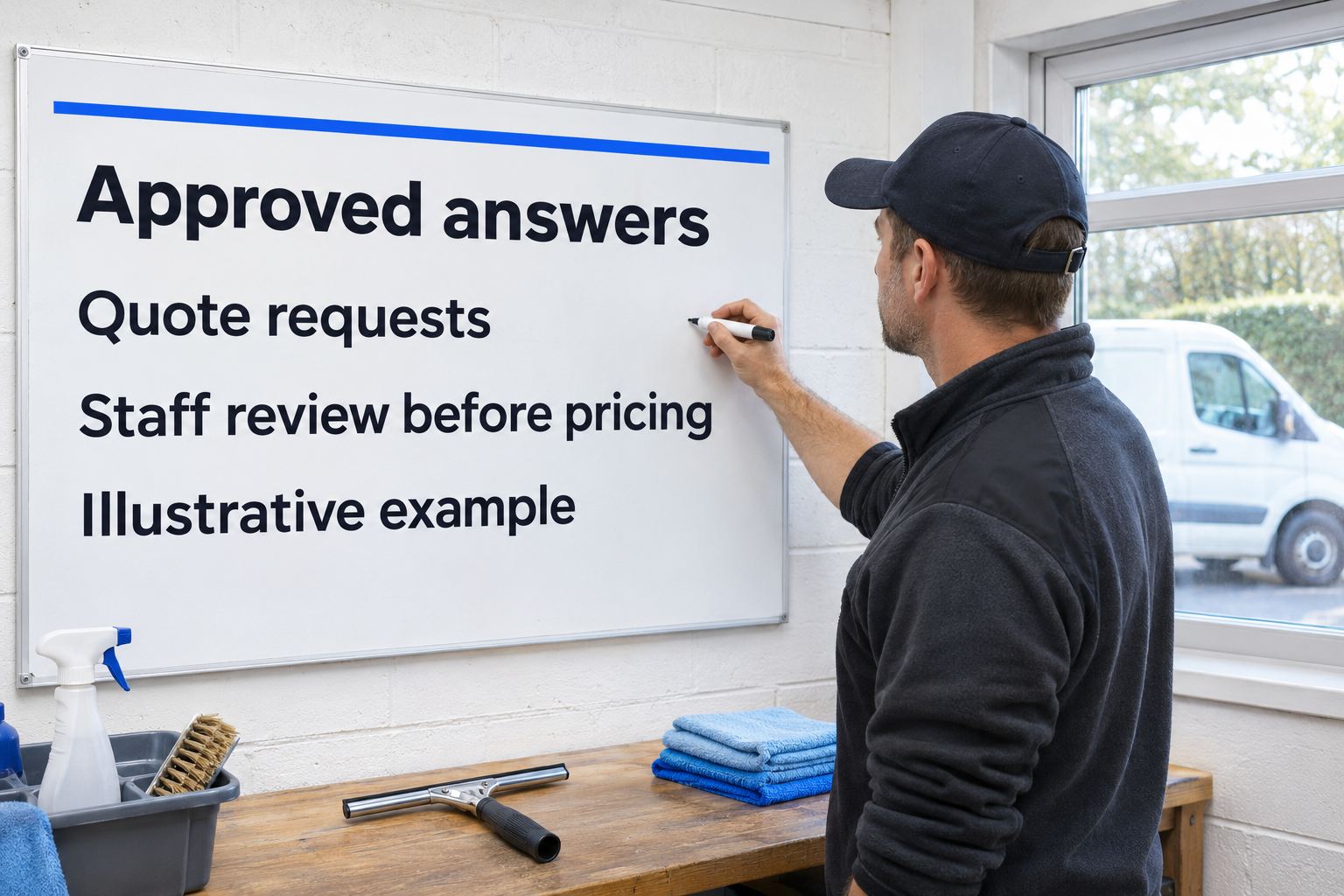
This is a fictional training example. A window-cleaning business quotes after reviewing the property; it has not approved an automatic price for every house.
Assistant: How can I help?
Caller: How much would it cost to clean all my windows?
Assistant: The team quotes after reviewing the property. What town is it in?
The next questions should follow the information the caller gives and the details the business needs. Ask one missing thing at a time. If the agreed workflow collects a request, the closing should describe that request, rather than announce a price or a confirmed visit.
You can make the same distinction for an unusual service question. Agree which facts can be answered and which need a person. Our human-handoff guide explains the receiving person, private briefing and backup path when a transfer belongs in the build.
Separate reference answers from live information
A description of your opening hours is reference information. Whether a particular appointment is available needs the agreed booking path. A general payment policy is different from a caller's current account details.
Next Gen Calls supports live lookups in HubSpot, GoHighLevel and Clio within the agreed setup. We confirm which records and actions are needed for your receptionist's job. Listing a system in your brief does not by itself authorize every action in it.
Tell us when a question depends on a current record or an appointment result. Check that connected path separately from the written answer. A saved FAQ should not stand in for a current lookup, and a collected request should not become a completed action in the conversation.
Check conflicts and unanswered questions
Before approving the affected call handling, test more than the easy question with an exact matching phrase. Useful checks include:
- Ask the same question in everyday wording and with a different name for the service.
- Ask about an exception your business has explicitly excluded.
- Ask something the approved material does not answer and review the agreed staff-review or message path.
- Point out two conflicting facts and resolve which source should be used.
- Ask for a current appointment or customer detail that requires a connected action.
Listen to the answer and check what actually happened. If a fact is wrong or the next step is unclear, correct the source or handling rule with us and repeat that case. The launch-testing checklist covers the wider checks around bookings, transfers and summaries.
Give updates a named owner
Choose someone who can approve changed facts. A useful update says: “Replace this answer with this one, effective on this date; this person approved it.” Add whether the change affects another location, policy or service.
Do not assume that editing the website, adding a document or changing a staff rota has updated every connected part of the receptionist. We confirm the sources and update method for your build. Agree when the new answer is ready, then test the changed question and a related exception.
After launch, keep a short list of questions that needed clarification. AI call summaries can help staff identify requests to review; they do not approve a new business policy. Use the call-summary follow-up guide to give collected requests an owner, and send us approved corrections when the answer itself needs changing.
A friendly note: leave passwords and private customer records out of a general business-information brief.
Common questions
What is an AI receptionist knowledge base?
It is the business reference information the receptionist can use to answer callers: services, locations, hours, policies and approved answers. We agree which information and connected actions belong in your build. Reference facts and permission to take an action are separate decisions.
What information should we send first?
Send your current business details, common caller questions, approved answers, exceptions and the person who can approve corrections. For each answer, name the source and any effective date. Flag questions that require a quote, current customer information or staff review.
Is our website enough?
Your website is a useful starting point, but review it for outdated facts, missing exceptions and conflicting pages. Give us the current approved answer where the website is incomplete. We confirm which sources are included in the receptionist setup; do not assume every website edit updates the agent automatically.
Can the receptionist give a price?
Agree exactly what pricing information may be stated and any conditions or exclusions. Where a price depends on staff assessment, the approved next step can be collecting a quote request. A request is not a completed quote, negotiated price or confirmed job.
Does a knowledge base replace a CRM or calendar connection?
No. General business answers are different from a current customer record or an available appointment. Next Gen Calls supports agreed connected workflows, including live lookups in HubSpot, GoHighLevel and Clio. We confirm the specific permissions and actions for your setup.
How should we handle changed information?
Send the new answer, when it takes effect, what it replaces and who approved it. Agree the update with us and test the changed question plus any related exception. Keep the earlier wording out of the approved source set once its replacement is ready.