Guides / Done for you
Paving estimate requests: an office intake checklist
By Next Gen Calls · Published
Quick summary
Next Gen Calls builds, connects, launches and tunes your AI receptionist for you. For a paving estimate request, collect the exact site, the area the caller wants reviewed, their reported concerns, timing and access needs. Give the estimator a clear request to assess, with unknown details marked honestly and a next step the caller understands.
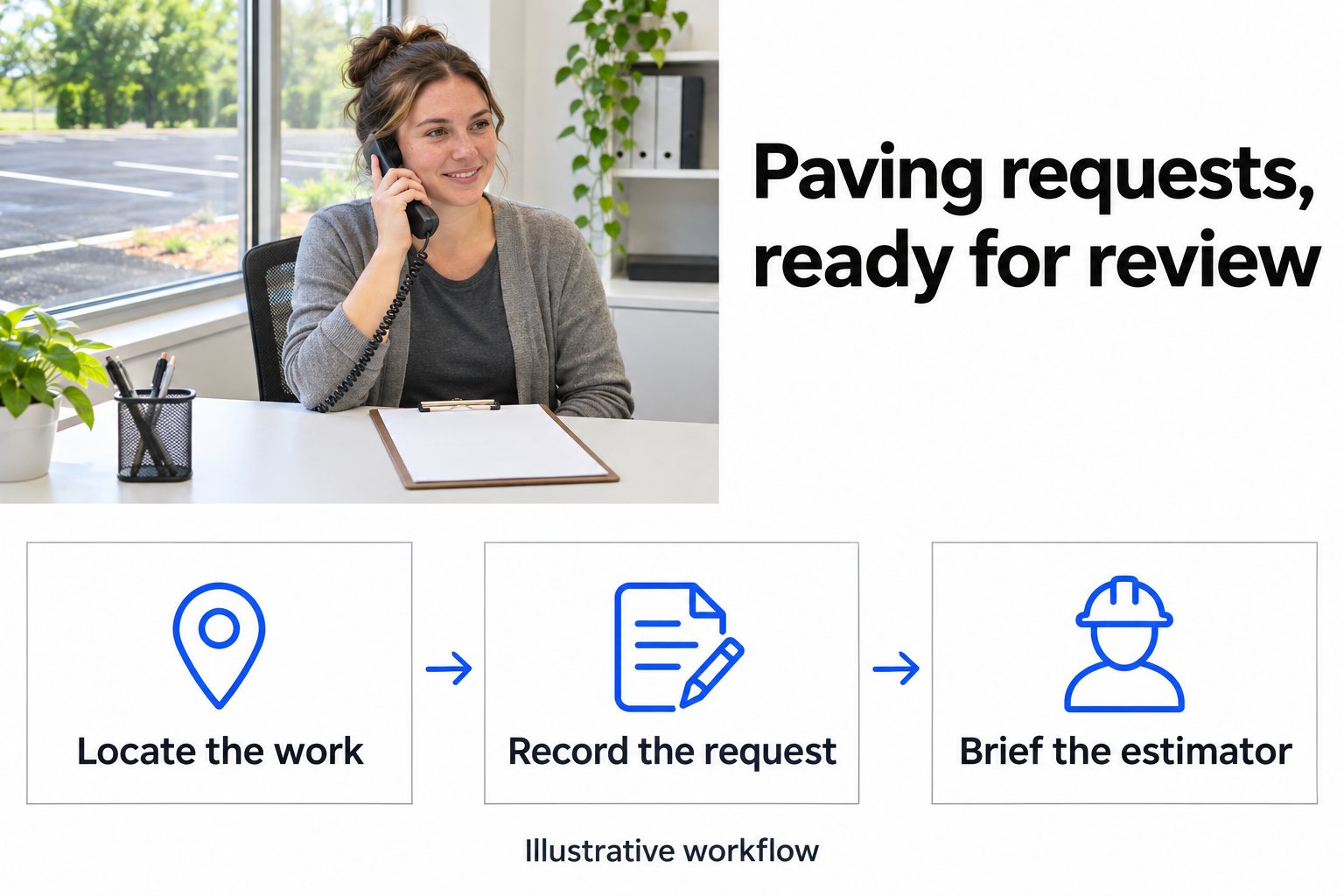
- 01 →
Locate the work
Establish the property and the particular entrance, lane or parking area the caller means.
- 02 →
Record the request
Keep caller-reported conditions, access needs and requested timing separate from verified site findings.
- 03
Brief the estimator
Pass along what is known, what needs checking and the actual next step agreed with the caller.
Illustrative workflow. We confirm the connected actions and permissions for your setup before launch.
Start with the site and the area that needs attention
“We need the parking lot done” can mean a small entrance repair, a rear delivery area or the whole property. Before the estimator returns the call, the office should establish which place and which part of it the caller wants reviewed.
A street address alone may leave room for confusion at a shopping center, apartment complex or business with several entrances. Capture a useful location description, such as the customer entrance beside the main sign. If the caller manages several sites, ask which property this request concerns.
The aim is a useful first conversation. Your estimator will still need to decide what the work involves and which details to check on site.
Use this first-call checklist
Let the caller explain the request, then fill in what is missing. These are intake fields for your office to approve, rather than a list to read aloud all at once.
- Site and work area. Confirm the property address, town and the part of the site the caller wants assessed. Record any areas they specifically want left out.
- Requested work. Use the caller's words: repair an entrance, review a cracked area or discuss resurfacing. Keep their preferred solution separate from your estimator's eventual recommendation.
- Reported conditions. Capture what the caller has noticed, such as standing water or a damaged edge. Label it as a report. If they mention a size, record whether it is approximate; leave unknown measurements open.
- Timing. Distinguish the date they need an estimate from when they hope the work can happen. A bid deadline, preferred assessment day and requested start date are different pieces of information.
- Access and site use. Ask about relevant opening hours, delivery activity, the person to meet and access restrictions. Your team decides how these affect a visit or the work plan.
- Contacts and next action. Confirm the best callback number and who can answer site questions. The person requesting a price may be different from the person who can meet the estimator or approve work.
These fields reflect practical information a paving assessment needs. A paving contractor's estimate guide also highlights existing conditions, access and timing. Those observations help prepare a conversation; technical decisions still belong with your estimator.
Mark the gaps instead of filling them with guesses
An incomplete request can still be useful if the missing information is visible. “Area unknown; caller wants the front entrance assessed” gives your estimator something clear to follow up.
Avoid converting a caller's description into an engineering conclusion. Water collecting near an entrance is an observation to pass along. It does not establish a cause, a drainage design or the construction method your business should quote.
Use simple labels in the request:
- Caller reports: what the person described.
- Caller requests: the work or outcome they would like considered.
- Needs checking: measurements, exact limits, site conditions or other unknowns.
- Next step: the review, conversation or appointment actually arranged.
Site visits can help the estimator resolve those gaps. A contractor's bid-preparation guide describes using site tours for measurements and questions. Your team should decide whether a visit is needed for the particular inquiry.
Example: the front entrance needs work, but deliveries continue
A property manager calls about the front entrance to a small shopping site. They want an estimate before the end of the month and say delivery trucks must keep using the rear entrance. This is a fictional example, not a customer result.
The opening can be as simple as:
“Thanks for calling [Business name]. How can I help?”
Once the caller has explained the entrance problem, ask for a missing detail:
“What's the address?”
Later, if the site contact has not been established:
“Who should the estimator speak to about access?”
Each question has a purpose. Use information already given instead of asking the caller to repeat the same description. There is no need to add a stock acknowledgment before every question.
An illustrative note for the estimator could read:
Site: Property address confirmed. Area: Front customer entrance; rear delivery entrance is outside the requested work area. Caller reports: Damage at the front entrance. Access: Deliveries need to continue at the rear. Timing: Estimate requested before month-end. Needs checking: Area, conditions and suitable method. Next step: Estimator to review and contact the site representative. No price, assessment appointment or work date confirmed.
The note preserves the caller's restrictions and leaves the estimator room to assess the job. It does not turn “we need deliveries to continue” into a promise about how your crew will stage the work.
Leave pricing and work decisions with your estimator
Choose what the receptionist may arrange. It might pass a request to the office, warm-transfer the caller to an estimator or follow a tested appointment-booking path.
With a warm transfer, the recipient can hear a private whisper briefing before joining. If that person does not answer, your configured backup group and voicemail fallback determine what happens next. The AI summary after the call helps your office review the request and outcome.
If an assessment appointment is booked, tell the caller the confirmed appointment type and time. Your team still needs to assess scope, prepare a price and decide whether to accept the work. A request for a visit remains open until the agreed booking action succeeds.
Connect intake to the process you already use
OneCrew describes estimating, proposals and scheduling as stages in its wider workflow. We confirm the particular OneCrew connection for your receptionist, including the records and actions your team wants to use.
An integration name does not establish automatic measurement, estimating, proposal approval or crew dispatch. Show us where the office reviews a new inquiry and who takes the next step. We build, connect, launch and tune the conversation around that agreed scope.
For the wider office setup, see home-service reception. The after-hours call script covers the closing wording and morning review for requests that arrive while the office is closed.
Test the requests that are easy to misunderstand
Before launch, try a caller with several properties, a vague work area and an approximate measurement. Then try a request with a bid deadline, an access restriction and an unanswered estimator transfer.
Check whether the conversation asks only for missing information and whether the summary separates caller reports from confirmed findings. Ask the estimator if they can identify the site, work limits, open questions and next action from that note. Adjust the intake with their feedback.
A friendly note: have your team approve privacy, contact and recording wording before launch.
Common questions
What should the office collect for a paving estimate request?
Collect the caller's contact details, property address, exact area to review, work requested, reported concerns, preferred timing and access restrictions. Let the caller explain first, then ask for missing details one question at a time.
Can the AI receptionist give a paving price?
The receptionist can capture the request and use the business information your team approves. Your estimator keeps control of measurements, scope, methods and pricing. We do not claim automatic paving estimates or price negotiation.
What if the caller does not know the dimensions?
Mark the dimensions as unknown. If the caller gives an approximate area, label it as their estimate rather than a verified measurement. Your estimator decides what needs measuring or inspecting before preparing a price.
Can the receptionist book a site assessment?
A site-assessment appointment can be part of an agreed and tested booking path. Confirm the appointment type, calendar and supported action first. A preferred time stays a request until booking succeeds, and an assessment appointment does not commit a crew to perform the work.
How does OneCrew fit into this intake?
OneCrew is a verified integration for paving and field-service businesses. We agree and test the records, fields and actions for your build. OneCrew's own estimating or scheduling features do not establish that the receptionist can run each of those actions.