Guides / Done for you
When your AI receptionist can't find a customer record
By Next Gen Calls · Published
Quick summary
We build, connect, launch and tune your AI receptionist for you, including agreed live lookups in HubSpot, GoHighLevel and Clio. When a lookup cannot find a customer record, the next step should be clear: ask for an agreed missing detail or send a useful request to staff. We confirm the search, permissions and fallback with your business before launch.
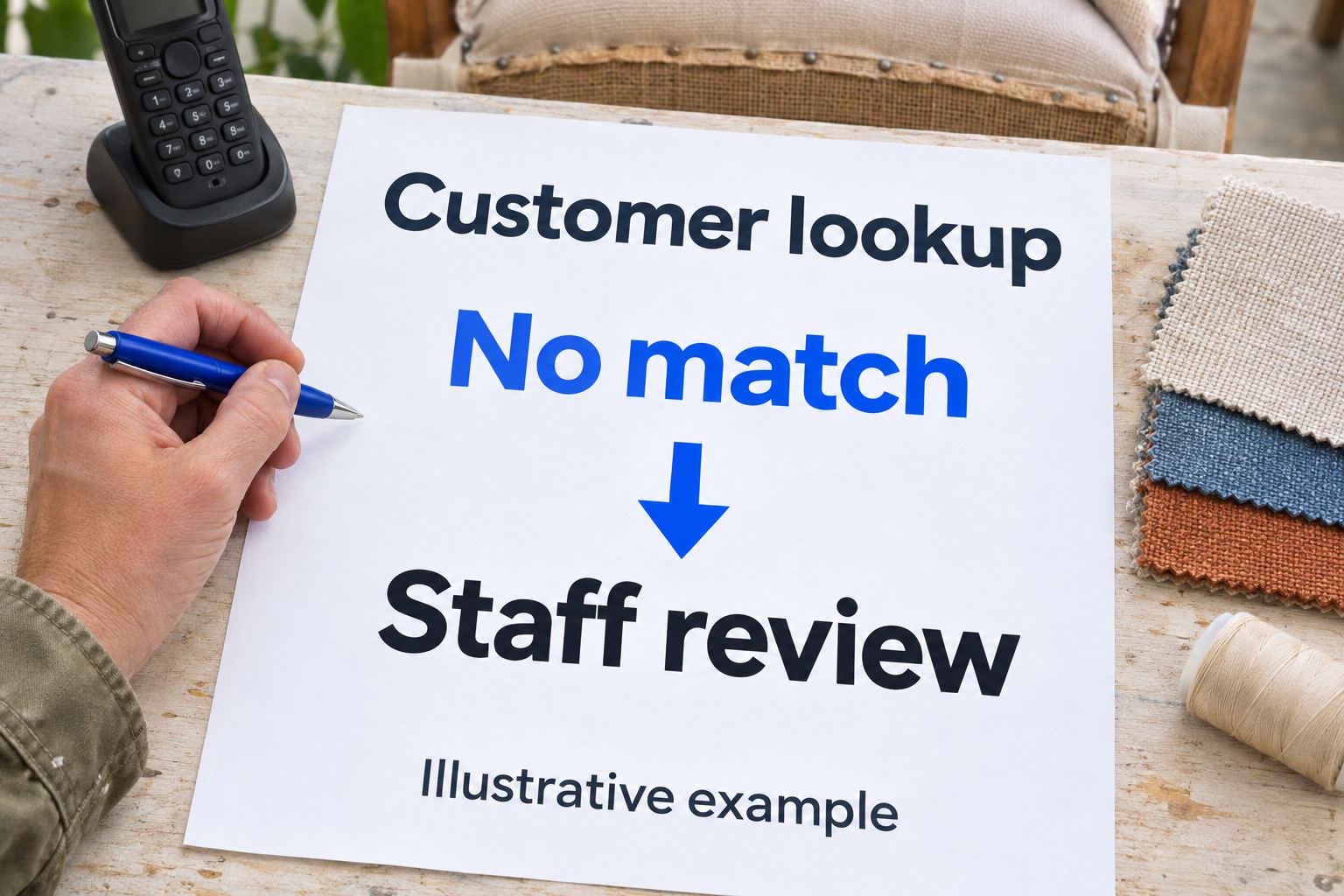
- 01 →
Check the lookup result
Distinguish no match, several possibilities and an unavailable search.
- 02 →
Ask for one useful detail
Use the information your business has agreed is appropriate.
- 03
Give staff a clear request
Record what the caller said and what still needs checking.
Illustrative workflow. We confirm the connected actions and permissions for your setup before launch.
Keep a missing match from becoming a dead end
A returning customer might call from a new phone, use a different email address or give the name of the person who originally made the request. If the receptionist cannot find the record, the caller still needs help with the reason they phoned.
Start by deciding what useful help remains possible. The receptionist may answer an approved general question, ask for one agreed detail or collect a request for your team. If a person is needed, the call can follow the human route you have planned with us.
For an upholstery workshop, someone asking about an earlier sofa-repair inquiry may simply need staff to check its progress. The useful outcome is a clear request reaching the right person, even when the initial customer search does not resolve it.
Keep the caller's statement intact: “Caller says they contacted us last week.” That is different from a verified record showing an earlier inquiry. Staff should be able to see which information came from the person and which came from the system.
How a customer lookup fits the call
A live lookup searches the connected system using the details and permissions agreed for your build. We confirm what may be searched, which information is useful during the conversation and what the receptionist should do with the result.
Next Gen Calls supports live lookups in HubSpot, GoHighLevel and Clio. The exact search fields and actions need to be confirmed for the connection you use. Finding a contact also does not by itself establish an appointment, a completed service or permission to discuss every detail on that record.
Give the lookup a specific job, such as finding the appropriate customer record before staff follow-up. Then plan the exceptions alongside the ordinary successful search.
Plan three different situations
The search finds no match
Choose an appropriate detail the receptionist can ask for next. It might be the name used for the inquiry or another approved contact detail, depending on the actual search your setup supports.
Use what the caller has already said. If they have given the name, the next question should move the request forward rather than repeat the same intake. Agree when to stop searching and send the unresolved request to staff.
Avoid declaring someone a new customer just because one search found nothing. Also confirm whether capturing the call creates a separate inquiry or contact in your workflow. Search results and record-writing rules need their own decisions.
Several records could fit
Ask us to demonstrate what your lookup actually returns when several records share a detail. Some searches may return only one result, so a successful-looking response is not evidence that all possible matches were checked.
Agree a clarification or staff-review route for uncertainty. Use the business's approved checks before discussing customer-specific information. Reading out several people's details so the caller can choose is not a useful substitute for those checks.
Keep changes to existing records separate from finding them. A caller using a new phone number or a different spelling of a name should not automatically decide which customer record gets overwritten or merged.
The lookup cannot complete
An unavailable connection or failed request leaves a different question unresolved: the system has not completed the search. The receptionist should use the agreed fallback rather than announce that no customer exists.
Decide which general questions can still be answered, what request details may be collected and who receives the problem for review. Promise only the next step your team can provide; an unavailable lookup should not become an invented appointment or status update.
A natural conversation can still move the request forward
Here is a fictional training example for an upholstery workshop. The build includes an agreed customer lookup and a request path for staff to review unresolved inquiries.
Receptionist: How can I help?
Caller: I called about a sofa repair last week. Can you check where things stand?
Receptionist: What name was the request under?
Suppose the approved lookup still finds no matching record. The receptionist can move to the agreed staff-request path:
Receptionist: I can pass the details to the workshop. What's the best number to reach you on?
Let the caller finish and collect one missing detail at a time. If they already gave the callback number, confirm it as needed rather than asking as though it was never mentioned.
Once the request has actually been recorded, the closing can reflect that: “I've recorded your request for the workshop to check.” It should not announce a confirmed repair status, a completed record correction or a callback time that staff have not agreed.
Give us a brief for the unresolved-match path
Bring these decisions to the setup conversation. We build and test the call handling around the supported connection and your business's rules.
- Where to look: The connected system and the kind of record the call needs. A contact search and an appointment check are different jobs.
- Which details to use: The agreed search fields and one appropriate clarification when the first search does not help.
- What may be discussed: The information the receptionist can use after your approved checks, and what stays with staff.
- What may change: Whether the flow only looks up information, captures a separate inquiry or includes a supported record change.
- When staff should help: No useful match, an ambiguous result, a failed search, a caller requesting a person or another exception.
- Who owns the request: The person or team receiving the useful details and the next step they can actually provide.
If you use HubSpot, its record-deduplication documentation explains why the way records are created or imported matters to matching. We check your actual connected workflow separately; a CRM feature does not establish what every phone-call path will do.
Make the staff handoff useful
When the caller needs a person, Next Gen Calls supports a warm transfer with a private whisper briefing. Agree the receiving team, availability and backup route. The human-transfer guide covers that plan.
Give staff the reason for the call and the unresolved point. For the workshop example, useful notes might say that the caller reports an earlier sofa-repair inquiry, the agreed lookup found no matching record and staff need to check the request. Keep any contact details limited to the approved workflow.
Confirm these distinctions in the AI call summary and any other follow-up record you use. A collected request, an attempted transfer and a completed conversation with staff are different outcomes. The summary follow-up guide helps assign the next owner.
Check the exceptions before launch
Rehearse an ordinary match, no match, a caller using a changed detail, several possible matches and an unavailable lookup. Use approved test records and agree any record-writing effects before those checks.
For each case, review the question asked, the information discussed, any actual record change and the next step staff receive. Check that the caller can still request a person and that the summary keeps uncertainty visible.
The customer-support guide puts these checks into the wider call journey. We build and tune the agreed handling with you; your team keeps customer information, permissions and follow-up ownership current.
A friendly note: approve the customer-information and privacy checks for your calls with your team before launch.
Common questions
Does no matching record mean the caller is a new customer?
No. It means the particular search did not return a matching record. The caller may use a different name or contact detail, or the lookup may search a different part of the system. Agree a clarification or staff-review path before treating the caller as new.
Can Next Gen Calls look up customer information during a call?
Yes. Live lookups in HubSpot, GoHighLevel and Clio are supported within the agreed build. We confirm which connection, records and fields your receptionist can use. A connection does not imply access to every record or permission to make every change.
What if several customer records could fit?
Agree how the actual lookup handles that case and demonstrate it in testing. If the result is ambiguous, ask for an approved clarifying detail or route it to staff. Do not assume every lookup detects duplicates, and do not choose a record simply because it appeared first.
Is a failed lookup the same as no matching record?
No. A search that could not finish has not established whether a record exists. The receptionist should follow the agreed unavailable-system path and describe the request accurately, without telling the caller they are absent from the customer system.
Should a call automatically create or change a customer record?
Agree lookup, contact capture and record changes separately. Confirm which actions are supported, what happens to an existing record and when staff approval is needed. Do not assume a missing search result should trigger a new record, a merge or an overwrite.
What should staff receive when the match is unresolved?
Give them the caller's request, the details collected through the approved call flow, what the lookup actually established and a clear next owner. Keep caller statements separate from verified system information. Confirm the useful fields in the call summary and any agreed follow-up record.