Guides / Done for you
Test AI shopping assistant recommendations
By Next Gen Calls · Published
Quick summary
We build, connect, launch and tune your shopping assistant for you. To test its recommendations, write down the shopper’s must-haves, check each against approved product facts and decide the expected answer before starting the conversation. Include a case where no product fits. Our Smart Commerce Agent is available as a WooCommerce pilot; supported actions are confirmed for each store.
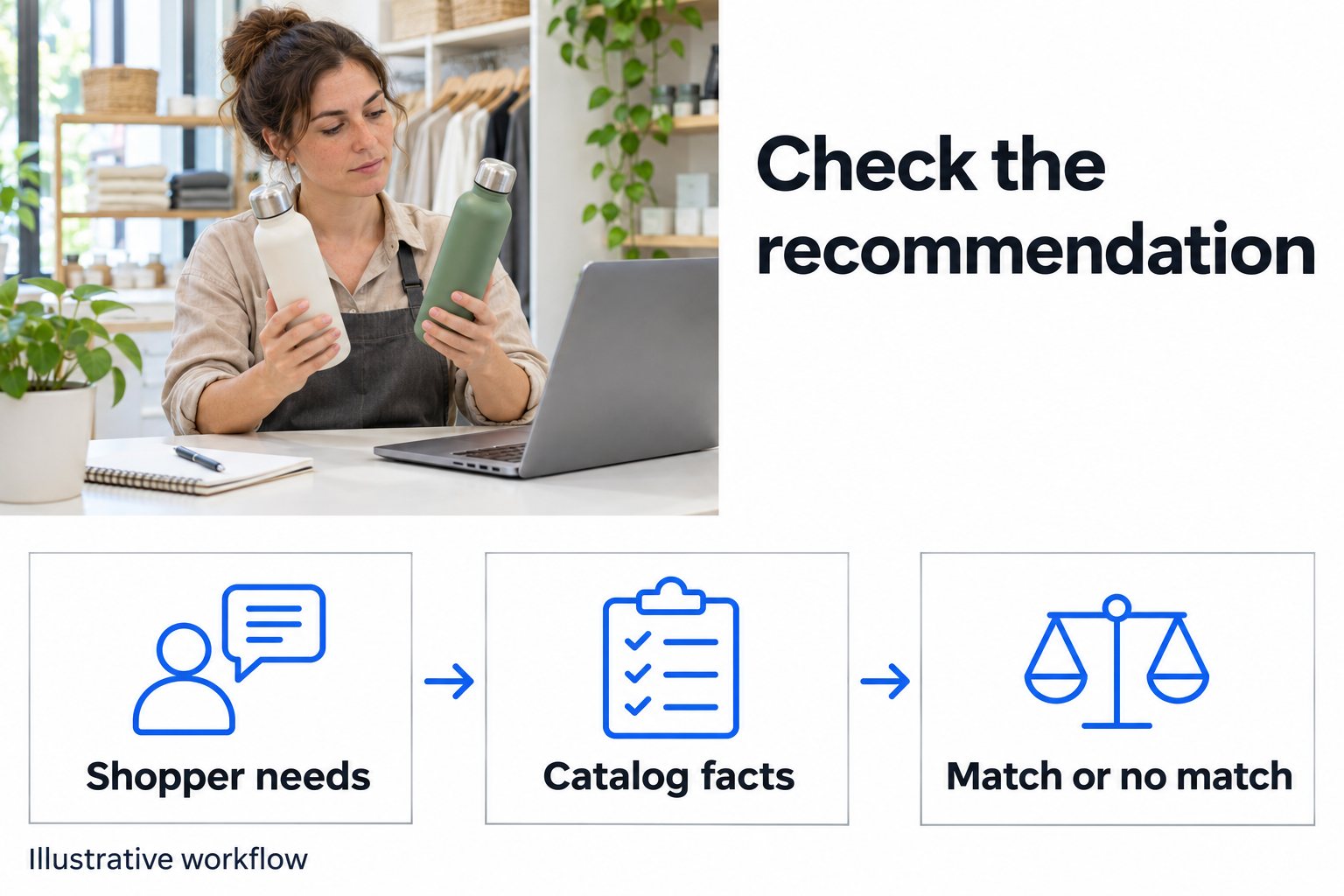
- 01 →
Write the shopper’s needs
Separate requirements from preferences.
- 02 →
Check the product facts
Keep missing or conflicting details visible.
- 03
Review the recommendation
Check fit, explanation and the actual next step.
Illustrative workflow. We confirm the connected actions and permissions for your setup before launch.
Start with the answer your store can stand behind
A shopper asks for a bottle that fits a particular shelf and can go in the dishwasher. A polished answer about your best seller tells you little if that bottle fails either requirement.
Before testing, choose a small set of products your team knows well. Write the right outcome for each question before asking the assistant. This gives the person reviewing the conversation something concrete to check.
Separate three things:
- Must-have: a condition the product has to meet, such as a maximum height.
- Preference: something the shopper would like, such as a color, but may choose to change.
- Unknown: a detail your approved information does not establish.
Ask one missing question at a time. If the shopper has already supplied a requirement, the next answer should use it rather than starting the interview again.
Worked example: neither bottle is a match
This is a fictional practice case, not a customer result or a description of products we sell.
The shopper needs a bottle under 24 cm tall that is dishwasher safe. Your practice catalog contains:
- Bottle A: 22 cm tall; hand-wash only.
- Bottle B: 28 cm tall; dishwasher safe.
Neither meets both requirements. Recommending A because it fits the shelf misses the washing requirement. Recommending B because it is dishwasher safe misses the height limit.
A natural test conversation could look like this:
Assistant: How can I help?
Shopper: I need a dishwasher-safe bottle under 24 cm tall.
Assistant: Neither of these fits both. A is short enough but needs hand washing; B is dishwasher safe but too tall. Would you like help from the store finding another option?
The test passes when the answer preserves both requirements and gives the approved next step. It does not need to produce a product recommendation every time.
Now change one fact: remove Bottle A’s care instructions from the practice information. The answer should say its washing suitability is unconfirmed. Missing information is not proof that a product passes or fails.
Six tests to run on your own catalog
1. Every requirement has a supported match
Ask a question with a known suitable product. Check each must-have against the product information. The explanation should tell the shopper why the item fits without adding a claim your store cannot support.
2. A tempting product fails one requirement
Include a popular or attractive item that meets everything except one necessary condition. Check that the assistant keeps it out of the matching choices, or clearly explains why it is unsuitable. Popularity does not fix a mismatch.
3. One decisive fact is missing
Ask about a detail absent from the connected information. Check that the answer names the gap and uses your agreed support path. A general description such as “easy care” should not become a specific dishwasher-safe promise.
4. The shopper changes a requirement
After the first suggestion, change one need: a smaller space, a different use or a stricter limit. Check the next answer against the revised request. Keep the other must-haves in place. This tests the conversation, rather than one isolated reply.
5. Two sources disagree
In a safe test copy, supply conflicting descriptions for one product. Decide with your team which source should govern and what the assistant should do when it cannot resolve the conflict. Do not change public store information just to create a test. Record the conflicting fact for correction before customers depend on it.
6. The choice reaches the right next step
After a shopper chooses, test only the action agreed for that store. If add-to-cart is in scope, verify the actual item and quantity in the cart and the confirmation shown to the shopper. Test an unsuccessful action too: the conversation should not claim success when the cart did not change. A recommendation test does not establish payment, refund or order-change support.
Copy this test record
Use one record per conversation. Keep customer identities out of a shared test sheet; a made-up shopper question is enough.
- Question: What is the shopper trying to buy or decide?
- Must-haves and preferences: Which conditions must stay, and which can change?
- Approved facts: Which product details support the answer? Include the product reference and the date checked.
- Gaps or conflicts: What remains unknown or disagrees across sources?
- Expected outcome: A matching item, a clarification, a no-match answer or the approved support path.
- Observed outcome: What did the assistant actually recommend or do? Record the relevant reply and cart result separately.
- Correction and owner: Who fixes the product information, conversation rule or connection, and what needs retesting?
For the bottle example, the expected outcome is “no item meets both conditions.” If the assistant picks A, record the missed care requirement. If it guesses A is dishwasher safe, record the unsupported fact as well. Those are different issues and may need different corrections.
Fix the source, then repeat the same question
Check what information actually reaches the assistant, rather than assuming every detail visible on the storefront is included. Product descriptions, dimensions and options need to agree. WooCommerce’s product-management documentation explains the store fields and links to guidance for product attributes and variations; those native fields do not establish what a particular assistant connection supports.
When an answer fails, first check whether the needed fact exists, is current and is available through the agreed connection. Then review whether the conversation used that fact correctly. Keep the same test question for the retest so your team can see what changed.
Repeat affected tests after a catalog or conversation change. Keep the pilot limited to the products and actions that have been checked; a clean result for one product is not proof that the whole catalog works.
Where our Commerce pilot fits
Next Gen Calls handles the build, connection, launch and tuning. Bring the questions shoppers ask, the product information your team trusts and the exceptions that need a person. We use those to agree what to test before launch and what needs attention afterward.
Our WordPress and WooCommerce integration page explains the Smart Commerce Agent pilot: catalog sync, product questions, recommendations and conversational add-to-cart. We confirm supported actions for your store. Store extensions, product options and checkout behavior need their own checks.
For broader service questions and exceptions, see our customer-support guide. If you are testing a phone receptionist, use the separate phone-agent launch checklist.
Common questions
What makes a product recommendation pass the test?
The suggested item meets every stated requirement using approved facts, the explanation supports that choice and any missing information stays clear. A product that fails a must-have should not be presented as a match.
What if none of our products fits?
The assistant should explain the mismatch plainly. It can ask whether the shopper wants to change a preference or use the store’s approved support path. It should not quietly drop a requirement to produce a recommendation.
How should we test a missing product detail?
Ask a question whose answer is absent from the approved catalog. Check that the assistant identifies what is unknown and offers the agreed next step rather than inventing a specification or promise.
Should we test follow-up questions too?
Yes. Add or change one requirement after the first recommendation. Check that the next answer uses the new information and still respects the requirements the shopper has kept.
Does a good recommendation prove checkout works?
No. Test the supported cart action separately and verify the selected item and quantity. Adding an item to a cart is different from completing payment. Checkout behavior must be confirmed for the store.
Can Next Gen Calls build this for our store?
We build, connect, launch and tune the Smart Commerce Agent as a WooCommerce pilot. We confirm catalog access, product questions, recommendations and supported cart actions for your store before launch. This is not a promise that every extension or checkout is supported.