Integrations / Done for you
ITGlue integration for AI support call intake
Quick summary
We build your AI support-call intake and scope the ITGlue connection with your team. ITGlue is a verified integration, but the integration name does not grant an agent access to every item in your documentation. Your team approves the data boundary and the actions we test before launch.
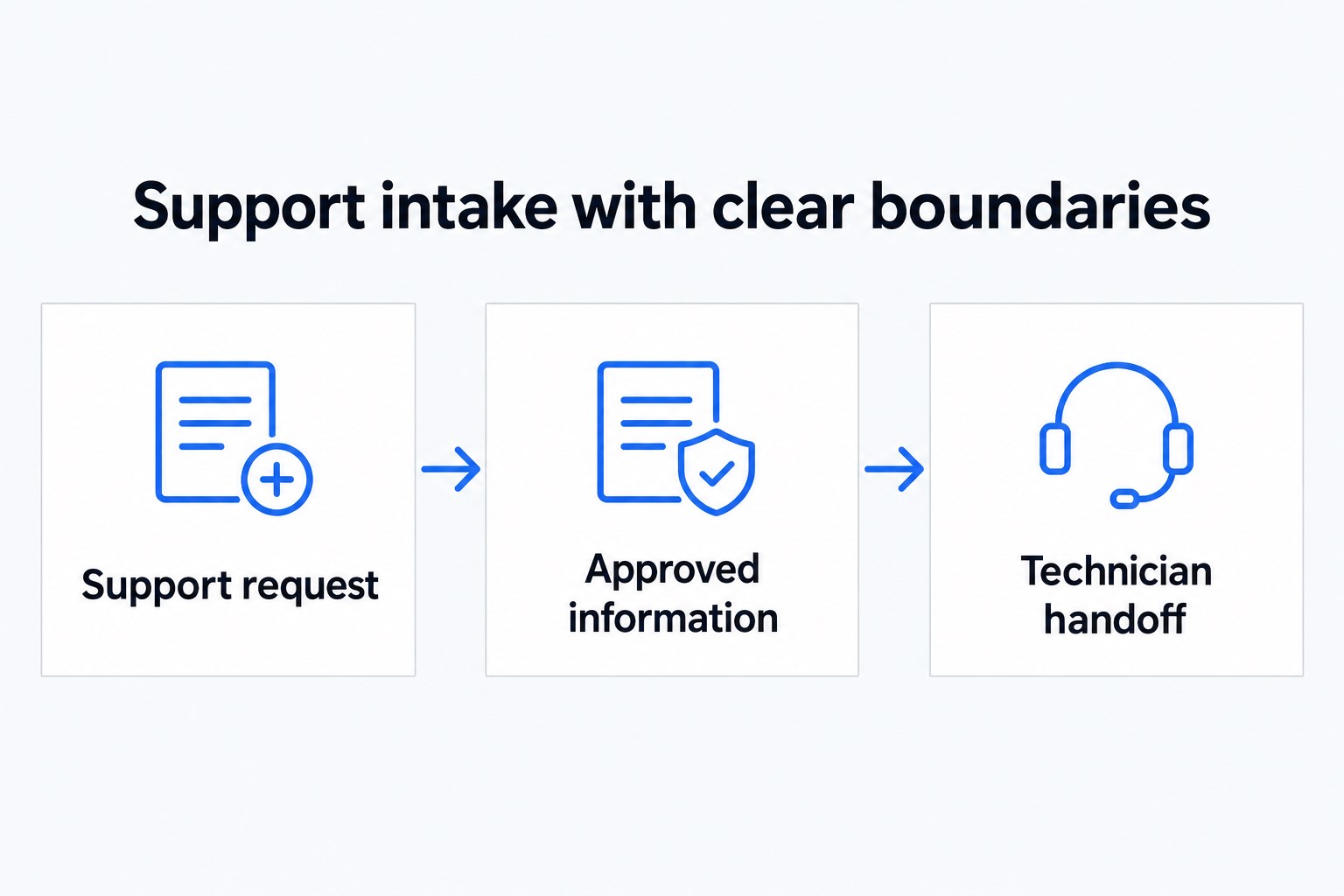
- 01 →
A caller describes a problem
Capture the business, affected service and callback details.
- 02 →
Respect the information boundary
Use only the ITGlue access and actions approved for this build.
- 03
Hand off to a technician
Keep investigation and sensitive disclosures with your team.
Illustrative workflow. We confirm the connected actions and permissions for your setup before launch.
Keep caller intake separate from sensitive documentation
ITGlue may be part of how your technicians find information, but a caller should not be able to request everything your technicians can see. Start with the support outcome you need: a clear description of the problem and a useful handoff to the right person.
We integrate with ITGlue as part of the agreed build. We confirm the exact records and actions available for your workflow and test them with your team. There is no blanket claim that the receptionist can search all documentation, retrieve credentials or read internal notes aloud.
A practical example: a new employee needs access
A caller says they have just joined a client’s business and need access to a system. The agent can capture the business name, caller details, the system involved and the request in the caller’s own words. Your approved verification and escalation path determines what happens next.
The useful result is a technician receiving a concise request, not an automated decision to grant access. A warm transfer can include a private briefing. If the right person is unavailable, the call follows your backup rules and an AI summary records the conversation for review.
Questions to settle before connecting ITGlue
- Which information is appropriate for the agent to use at all?
- Which actions are needed for this specific intake workflow?
- What must always stay with an authorized technician?
- What should happen when identity or company matching is uncertain?
Have a documentation owner join the setup review. Bring a sample that contains no credentials and walk through what the agent should and should not do with it. If an action is not verified for your connection, we leave it out of the caller-facing promise.
Test refusal and escalation as carefully as the greeting
A sensible test call asks for a password or internal network detail. Another describes an unfamiliar company. Another insists that the agent skip identification because the issue is urgent. Check that each reaches your agreed boundary without exposing information or making a promise about access.
ITGlue and Autotask have different roles in many MSP workflows. Scope each connection separately rather than assuming that one can substitute for the other. Your technicians retain control of diagnosis, authorization and changes to client systems.
Common questions
Can the agent read passwords to callers?
That is not an offered capability on this page. Keep credentials and access decisions with your authorized support team.
What ITGlue actions are included?
The integration is verified, but the exact records and actions are scoped and tested for your build before launch.
Can we use Autotask too?
Autotask is also a verified integration. We scope its actions separately from the ITGlue connection.